
Services

Salla Odoo integration is possible today in three ways: a ready-made connector from the Salla or Zid app store or from the Odoo Apps store, a custom integration built on the two platforms' official APIs, or organized manual entry using export files. Whichever you choose, the goal is the same: Odoo becomes the single source of truth for inventory and accounting, and the store becomes a sales front end fed by it. Here you will find, for Saudi online stores in 2026, what gets synced between the two sides, the cost of each option in SAR, who issues the e-invoice, and how to prevent selling a product that has sold out at a branch.
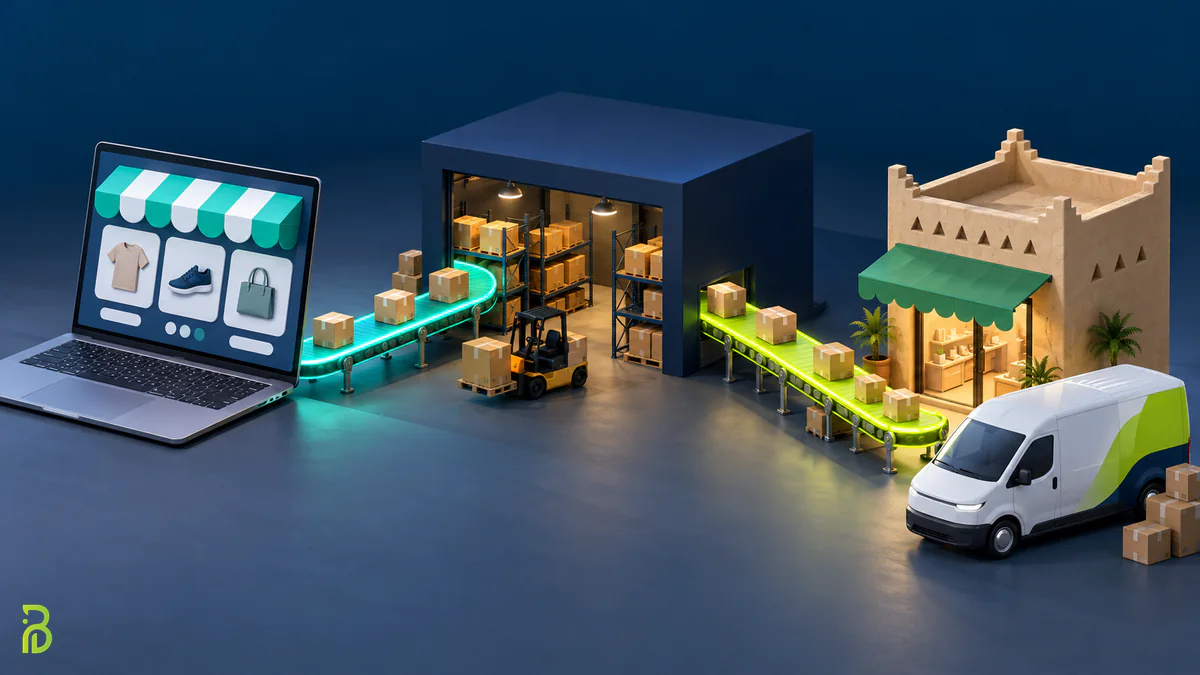
Integration, also called e-commerce ERP integration, means every transaction in the store moves automatically into Odoo, and every inventory change in Odoo is reflected in the store, without an employee typing the same number twice. A store receiving 300 or more orders a month feels the problem clearly: one employee copies orders into the system, another adjusts quantities manually, and an accountant reconciles bank transfers with orders at month-end. That repetitive work is exactly what connecting the store to accounting in Odoo eliminates.
This is the data that is usually synced, with the direction we recommend for each:
| Data | Recommended direction | Right timing | Practical note |
|---|---|---|---|
| Products and prices | From Odoo to the store | On change | Descriptions and images can stay in the store because they are marketing content |
| Inventory (quantities) | From Odoo to the store | Real-time or every few minutes | The most important item in the whole integration |
| Orders | From the store to Odoo | Real-time via webhooks | They become a sales order and a delivery order in Odoo |
| Customers | From the store to Odoo | With the order | Watch out for the same customer duplicated under two different mobile numbers |
| Payments | From the store to Odoo | With the order or at settlement | Separate payment gateway fees from revenue |
| Order and shipment status | Both directions | On every change | The tracking number goes back to the customer in the store |
| Returns and refunds | From the store to Odoo | On approval | The most neglected item in ready-made connectors |
The golden rule: every piece of data has a single source of truth. If one employee changes a price in the store and another changes it in Odoo, the sync will overwrite one of them, and you will discover the error when a customer complains.
The straight answer: as of 2026, there is no built-in integration provided by Odoo itself for Salla or Zid, as there is for some global platforms. What actually exists is two layers:
So when a provider tells you they have "the official integration", ask them: official from which side? It usually means an app published in the platform's app store, which means it passed that store's publishing review, but it does not mean Odoo, Salla or Zid guarantees how it will perform in your store.
It comes in two types that differ on a key point:
This option suits a store whose operations follow the standard pattern: one or two warehouses, products with simple variants, and no special rules for discounts or bundles. Its drawback is that you accept only what the app covers; if it does not support returns or multiple warehouses, you will go back to manual work on exactly those points.
A developer builds an integration service for your store that receives webhooks from Salla or Zid and creates documents in Odoo according to your rules: which warehouse fulfills a Jeddah order and which fulfills a Dammam order, how a bundle of 3 products is recorded, and how a discount coupon is treated in the accounts. It suits a store selling through several channels, with branches selling from the same stock, or selling both wholesale and retail. This type of integration is part of our Odoo ERP development and implementation service when Odoo is the store's central system.
It costs more and takes longer to launch, and its most important part is not the code but monitoring: a log of every failed message, automatic retries, and an alert when syncing stops. An integration that fails silently is more dangerous than no integration at all.
Exporting orders from the store dashboard daily and importing them into Odoo with a file, and updating quantities the same way. It costs nothing in development and works for a small store in its first months. But count the hidden cost: if processing one order takes 4 minutes, 300 orders a month means about 20 hours of work, plus inventory that stays a full day behind reality.
The following figures are approximate as of 2026, vary with the number of products and warehouses and the quality of your current data, and are exclusive of 15% VAT unless stated otherwise. App prices are approximate ranges for a sample of connectors listed in app stores, and they change constantly. For example, one Odoo connector in the Salla app store offers plans between SAR 60 and 200 per month before VAT, and one Salla connector module in the Odoo Apps store sells for about USD 190 one-time (September 2026). Check the app's own page before subscribing; we mention them for illustration, not as a recommendation:
| Option | Setup cost | Recurring cost | Approximate launch time | Suitable for |
|---|---|---|---|---|
| Subscription app from the Salla or Zid store | SAR 3,000 – 10,000 for setup and data mapping (if you use an implementer) | About SAR 60 – 200 per month, or SAR 700 – 2,400 per year depending on the plan | 1 – 3 weeks | A standard store on Odoo Online or other hosting |
| Connector module from the Odoo Apps store | About SAR 450 – 750 for the module, one-time + SAR 5,000 – 15,000 for installation and configuration | Odoo.sh or private server hosting costs + updates when upgrading versions | 2 – 4 weeks | Those with Odoo.sh or a private server |
| Custom API integration | SAR 25,000 – 80,000 depending on rules and channels | A maintenance and monitoring contract, usually 10% – 20% of the build value per year | 6 – 12 weeks | Multiple branches, wholesale and retail, multiple channels |
| Organized manual entry | SAR 0 in development | Staff hours (about 20 hours per 300 orders a month) | Immediate | Fewer than 100 orders per month |
And do not forget that Odoo licenses, hosting and configuring the inventory and accounting modules are a separate item from the integration; we detailed them in our article on Odoo implementation cost in Saudi Arabia. If you have not launched your store yet, you will find the cost breakdown in the cost of building an online store in Saudi Arabia.
Is your store on Salla or Zid and you want to connect it to Odoo without errors?
We review your Salla or Zid store and recommend the most suitable Odoo integration option, with a clear cost in SAR, before any commitment.
This is the most important decision in the whole project, and the most neglected. Salla and Zid both offer integration with the FATOORA platform of the Zakat, Tax and Customs Authority in line with the e-invoicing requirements of Phase Two (integration phase). Odoo also includes Saudi localization and e-invoicing modules compliant with Phase Two. In other words, you have two systems capable of issuing the invoice, and the risk is that both issue an invoice for the same sale, so the Authority is notified of a duplicate transaction.
| Case | Recommended invoice issuer | Reason |
|---|---|---|
| Online store only, retail, no branches | The store (Salla or Zid) | The simplified invoice is issued at the moment of payment, and Odoo receives the accounting entry |
| Store + branches or points of sale in Odoo | Odoo | One invoice sequence for all channels and unified tax reports |
| Selling to businesses with tax invoices carrying the buyer's VAT number | Odoo | B2B invoices need the buyer's tax details and credit terms |
Whatever you choose, explicitly disable invoice issuing in the other system, and document the decision with your accountant before going live. The regulatory details of both phases are in our ZATCA e-invoicing guide.
Imagine a perfume store in Riyadh with a branch in Jeddah: the last 3 bottles of a product are in stock, and the branch sells two bottles in the same hour that two customers order from the online store. If syncing runs every hour, you have sold a product you do not have, and you will cancel an order and apologize to a customer. These four rules prevent that:
If you have more than one warehouse, start by getting inventory right in Odoo itself before integrating, as we explained in our article on Odoo inventory and warehouse management in Saudi Arabia. The integration moves numbers faithfully, but it does not fix numbers that were wrong to begin with.
Most Saudi stores ship through carriers connected directly to Salla or Zid, such as the well-known local services for delivery within and between cities. In that case, the shipping label and tracking number stay in the store, and the integration only needs to pass the tracking number and shipment status to the delivery order in Odoo. If the warehouse runs on Odoo, however, it is better to confirm the delivery in Odoo first, then send the "shipped" status back to the store so the customer gets notified.
Returns are the real test of any integration: Does the product go back into stock automatically? Is a credit note linked to the original invoice issued? Is the refund through the payment gateway recorded as a correct entry? Ask the provider to run a complete return in front of you before signing.
If you choose a ready-made app, this is the order we follow in our projects, and most problems we see come from skipping the first three steps:
| In Salla or Zid | Its Odoo equivalent | Note |
|---|---|---|
| Product code (SKU) | Internal Reference | Must be unique on both sides |
| Product options (size and color) | Product Variants | Each variant has its own code |
| 15% VAT | 15% sales tax (Tax) | Check whether prices include or exclude VAT |
| Payment method (mada, Apple Pay, bank transfer) | A Journal for each method | Makes bank settlement reconciliation easier |
| Shipping carrier | Delivery Method | To pass shipping fees and the tracking number |
This list reveals in half an hour the difference between an integration that works and one that will cost you a rebuild six months later:
Common mistakes we see include: switching on the integration before standardizing product codes (SKUs) between the two systems, connecting a live store directly without a staging environment, and leaving price editing open in both systems at once.
At Bateel, we offer both services together: e-commerce store design and Odoo implementation, so we start from both sides: we review your store setup and your Odoo structure, then decide with you whether a ready-made app is enough or you need a custom integration, or even a custom-built store through our website design and development service if your needs go beyond what hosted platforms can do. If you have not chosen your platform yet, you will find the comparison in our Salla vs Zid vs WooCommerce comparison, and the full picture of Odoo in our guide to Odoo ERP for Saudi companies.
Yes, but through a subscription app from the Salla app store that connects to Odoo externally through its API. Connector modules published in the Odoo Apps store cannot be installed on Odoo Online, because it does not allow third-party modules; they require Odoo.sh hosting or a private server.
Subscription apps listed in app stores start at roughly SAR 60 to 200 per month before VAT, and one-time Odoo modules cost about SAR 450 to 750. Setup and data mapping usually add SAR 3,000 to 15,000 depending on the size and complexity of the store.
It depends on the integration method. Orders usually arrive in real time via webhooks, while some apps update quantities from Odoo to the store every few minutes or every hour. Ask the provider for the interval in minutes, and add safety stock for fast-moving products.
You do not need to issue invoices from both systems; choose only one. A store that sells only online can issue them from Salla, while one with branches or sales to businesses is better off issuing from Odoo. What matters is disabling issuing in the other system to avoid duplicate invoices with the Authority.
When you sell through more than one channel or warehouse, mix wholesale and retail, or sell bundles and discounts the ready-made app does not support. A practical rule: if you still process more than 10% of orders manually despite having the app, a custom integration has become more economical in the medium term.
Integrating Salla or Zid with Odoo is less a development project than an operational decision. Define the source of truth for each piece of data, choose a single invoice issuer, get your inventory right in Odoo before integrating, then choose the simplest option that covers your actual operations. A ready-made app is enough for most standard stores, and a custom integration is worth its cost when branches and channels multiply.
Because we at Bateel Tech Solutions in Riyadh build stores and implement Odoo together, we test the integration in a staging environment before running it on your live store, and we help you choose the right approach and implement it. Contact us on WhatsApp or through our Contact Us Page to get a free consultation and a clear quote in SAR.
